Haltech Interceptor Software
A quick guide
This guide is not a full software manual. It is intended to get the tuner up and tuning quickly. Once the basics of the software operation are known, further details can found in the online help built into the software.
Installation
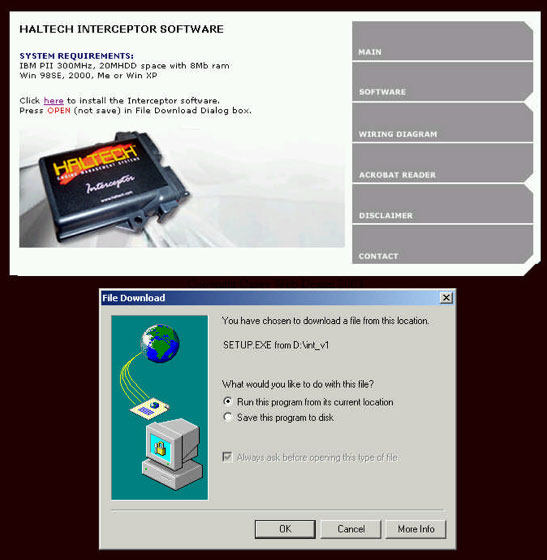
To install the software insert the Haltech Interceptor CD into the computer. The CD should start automatically. After agreeing to the disclaimer you will be presented with the following screen:

To start the software installation click on the software tab, and this will present the following screen. To start the process of installing the software, select "Run this program from its current location" and click OK.
This will start the install shield and the user can just follow the prompts to install the software. Once the software installation is complete the user will see the following icon on the desktop: